
Account set up instructions
Upon being invited to join an Oden workspace, you should receive an e-mail (from noreply@oden.io) to set up your account. If you have not received an e-mail please reach out to your site admin or csm@oden.io.
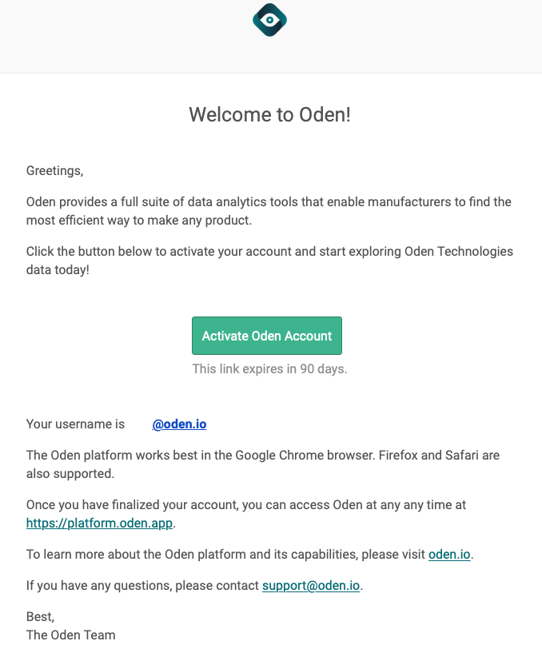
- Click to "Activate Oden Account"
- You will be taken to the following page:
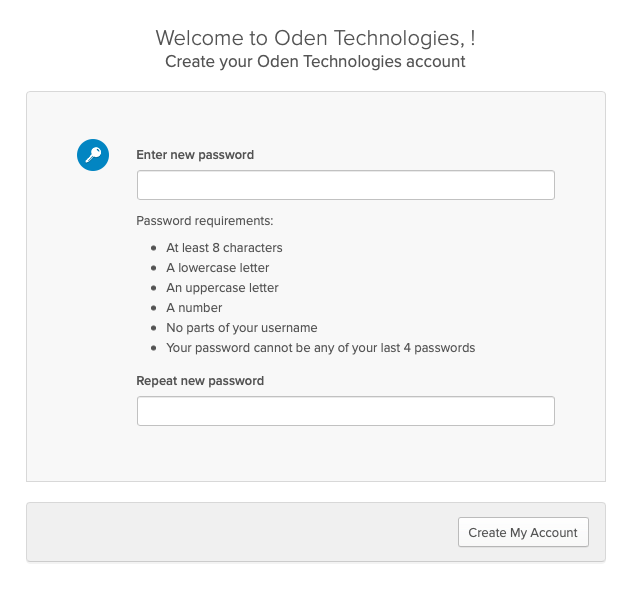
- Create a password according to the requirements, confirm it, and click "Create My Account"
- Log-in to the platform at platform.oden.app